

How Can Students Fix Academic Portal Login Problems?
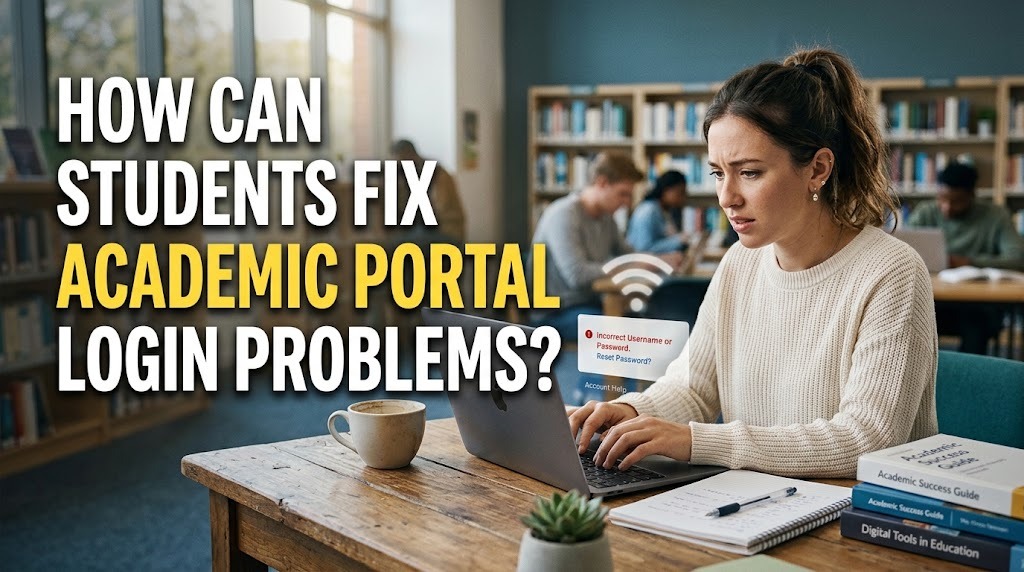
An academic portal allows students to access important university information, including class schedules, grades, course registration, and academic announcements. However, students may occasionally experience login problems that prevent them from using these services. These issues can occur because of incorrect credentials, unstable internet connections, browser errors, or account restrictions.
Understanding how to resolve academic portal login problems can help students regain access without unnecessary delays. By checking login details, examining the internet connection, and following the university's account recovery procedures, students can identify common problems and take appropriate steps to solve them.
CHECK THE USERNAME AND PASSWORD
One of the most common causes of academic portal login problems is entering an incorrect username or password. Students may accidentally type the wrong characters, use an outdated password, or confuse their academic account with another university account. Even a small typing error can prevent the system from verifying their identity.
To resolve this issue, students should carefully check their login details and ensure that the Caps Lock key is not enabled unintentionally. They should also confirm that they are using the correct username format required by the university. If the credentials are still rejected, using the official password recovery feature may help restore access without creating a new account.
CHECK THE INTERNET CONNECTION
A stable internet connection is essential when accessing an online academic portal. Weak Wi-Fi signals, interrupted mobile data, or temporary network disruptions can prevent the login page from loading correctly. In some cases, the website may open but fail to process the login request.
Students can try opening another trusted website to determine whether the connection is working properly. If other websites also load slowly, restarting the router, switching networks, or reconnecting to the internet may help. Students should also avoid repeatedly submitting login requests when the connection is unstable because doing so may create additional confusion about whether the system has processed their attempts.
CLEAR THE BROWSER CACHE AND COOKIES
Browser data can sometimes interfere with the login process. Stored cache files, outdated cookies, or conflicting session information may cause an academic portal login error, particularly after the university updates its website or authentication system.
Students can try refreshing the page, closing and reopening the browser, or accessing the portal through a private browsing window. If the problem continues, clearing the browser's cache and cookies may help. However, this action can sign users out of other websites, so they should ensure that important account credentials are safely stored before proceeding. Using an updated browser can also improve compatibility with the portal.
CHECK ACCOUNT STATUS AND PORTAL AVAILABILITY
Sometimes, login problems are caused by factors that students cannot resolve independently. A university may temporarily restrict an account after multiple unsuccessful login attempts, require a password reset, or perform scheduled system maintenance. Server disruptions can also prevent users from accessing the university academic portal, even when their login details are correct.
Students should check official university announcements, information technology service pages, or campus communication channels for updates. If the account appears to be locked or inactive, they should follow the university's instructions or contact the relevant support team. Avoid repeatedly attempting to log in when an account restriction is suspected, as additional attempts may prolong the issue.
CONTACT THE UNIVERSITY'S IT SUPPORT TEAM
If the previous steps do not resolve the problem, students should contact the university's IT support team or academic administration office. Support staff can investigate account-related issues, explain access requirements, and determine whether a technical problem is affecting the portal.
When reporting the issue, students should provide useful details such as the time the error occurred, the device and browser being used, and the exact error message displayed. Screenshots can also help explain the problem, provided they do not expose passwords, authentication codes, or other sensitive information. Students should use official support channels and never share their passwords with anyone claiming to provide technical assistance.
CONCLUSION
Students can fix academic portal login problems by checking their usernames and passwords, ensuring a stable internet connection, clearing browser data when necessary, and checking whether their accounts or the portal are experiencing technical issues. These simple steps can resolve many common access problems without requiring extensive technical knowledge.
If the issue persists, contacting the university's IT support team is an appropriate next step. Students should also protect their account credentials and follow official recovery procedures. By understanding these troubleshooting methods, students can restore access to their academic portal more efficiently and continue managing their university activities.
Recent Posts

Bagaimana Sistem SKS pada Program Kuliah... 22.11.2026/57 View

How Does Technology Make Daily Evaluation... 21.11.2026/86 View

Apa Strategi Menghadapi Kesenjangan antara Kompetensi... 21.11.2026/84 View

Mengapa Inventaris Aset Penting bagi Kelancaran... 21.11.2026/82 View

When Should Musicians Join a Record... 21.11.2026/86 View
