

How Can Students Log In to an Academic Portal?
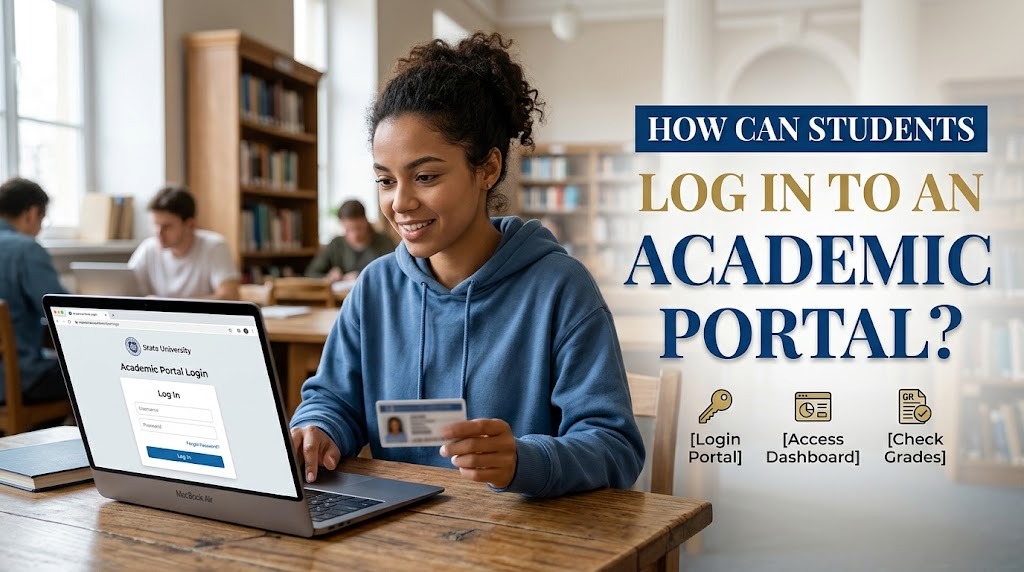
An academic portal is an online platform that allows students to access academic information and university services through a personal account. Depending on the institution, the portal may provide class schedules, grades, course registration, academic announcements, and student records. To use these features, students generally need to log in with credentials provided or approved by their university.
Understanding how to log in to an academic portal can help students access important information without unnecessary delays. Although the login process may differ between institutions, most portals follow similar steps involving the official website, student credentials, and account verification. By following the correct procedures, students can access their academic information while maintaining the security of their accounts.
OPEN THE OFFICIAL UNIVERSITY ACADEMIC PORTAL
The first step is to find the official academic portal provided by the university. Students can usually obtain the portal address through the institution's official website, student handbook, admission documents, or announcements from the academic administration department. Using the correct website helps prevent confusion and reduces the risk of entering login details on a fraudulent page.
Before proceeding, students should check that the website address matches the information provided by their university. They should avoid opening unfamiliar links received through unsolicited messages or unofficial sources. If they are unsure which portal to use, contacting the university's IT support team or academic administration office can help confirm the correct address. Once the official page is open, students can look for the login section.
PREPARE YOUR STUDENT LOGIN CREDENTIALS
To access a university academic portal, students typically need a username or student identification number and a password. The university may provide these credentials during enrollment or explain how to create an account through an official activation process. Some institutions also use institutional email addresses or additional authentication methods.
Students should enter their credentials carefully because incorrect information can prevent access. They should check for typing errors, unnecessary spaces, and the correct use of uppercase and lowercase letters when passwords are case-sensitive. Login details must remain private and should not be shared with friends or other unauthorized people. If the university requires students to activate their accounts or change their initial passwords, those steps should be completed according to the official instructions.
ENTER YOUR CREDENTIALS AND COMPLETE VERIFICATION
After opening the portal and preparing the required information, students can enter their login credentials in the designated fields. They should review the details before selecting the login button. If the university uses multi-factor authentication, students may need to enter a verification code or approve a login request through an authorized method.
Some academic portals also require students to accept certain terms or complete additional security checks. These requirements vary by institution, so students should follow the instructions displayed on the official page. If the login process succeeds, the system will usually direct them to a dashboard containing available academic services. Students should confirm that they have entered their own account and avoid using another person's credentials to access restricted information.
ACCESS THE REQUIRED ACADEMIC SERVICES
Once logged in, students can navigate the academic portal dashboard to find the information or service they need. Common options include class schedules, course registration, grades, academic calendars, attendance records, and administrative requests. The names and locations of these features may differ depending on the portal's design.
Students should select the relevant menu and review the information carefully before submitting any request or making changes. For example, when registering for courses, they should verify the selected subjects and confirm that the registration process has been completed. If they only want to check grades or schedules, they should make sure they are viewing the correct semester. Understanding the dashboard can help students use the portal more efficiently and reduce mistakes when completing academic tasks.
SOLVE LOGIN PROBLEMS AND PROTECT YOUR ACCOUNT
Students may occasionally experience academic portal login problems, such as forgotten passwords, incorrect credentials, account lockouts, or temporary system interruptions. They can begin by checking their username, password, internet connection, and the official portal address. If they forget their password, they should use the university's official password recovery feature when available.
If the problem continues, students should contact the university's IT support team or the department responsible for student accounts. They should provide a clear description of the issue without revealing their password or verification codes. Account security also requires logging out after using a shared device, avoiding suspicious links, and keeping recovery information up to date. These habits help protect personal information and maintain reliable access to academic services.
CONCLUSION
Students can log in to an academic portal by opening the official university website, preparing their student credentials, completing any required verification, and accessing the relevant services through the dashboard. Although the exact process differs between institutions, following the university's official instructions can make the login process more straightforward.
If students cannot access their accounts, they should check their credentials, use the approved recovery procedure, or contact university support. Protecting login details and verifying the website address are also essential for maintaining account security. By understanding these steps, students can use their university academic portal more confidently to manage academic information and complete university-related tasks.
Recent Posts

Bagaimana Sistem SKS pada Program Kuliah... 22.11.2026/57 View

How Does Technology Make Daily Evaluation... 21.11.2026/86 View

Apa Strategi Menghadapi Kesenjangan antara Kompetensi... 21.11.2026/84 View

Mengapa Inventaris Aset Penting bagi Kelancaran... 21.11.2026/82 View

When Should Musicians Join a Record... 21.11.2026/86 View
