

How Can Students Update Their Personal Information in an Academic Portal?
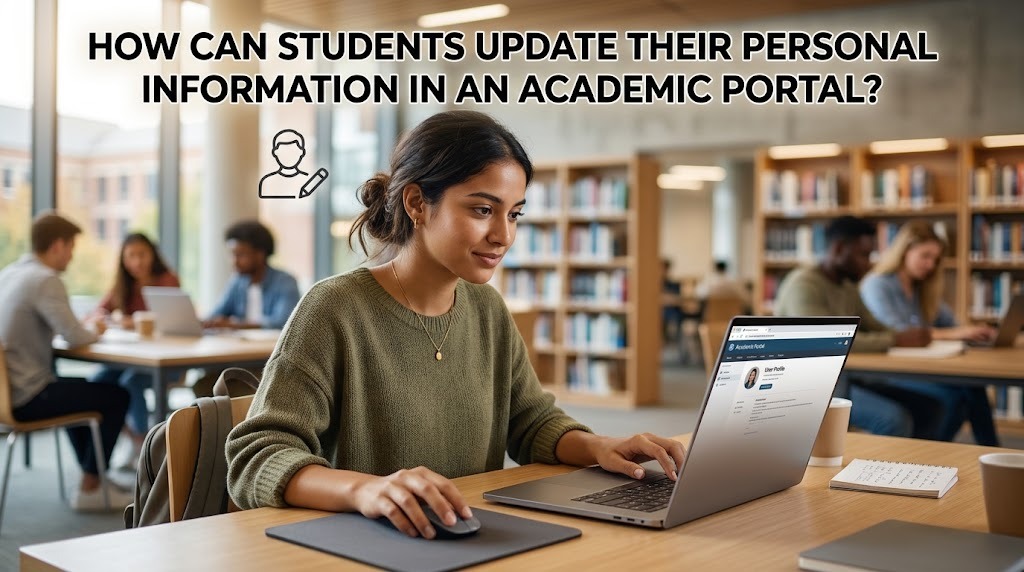
An academic portal allows students to access academic services and manage information related to their university studies. Depending on the institution, the platform may also provide features for viewing and updating personal information, such as contact details, residential addresses, and other student profile data. Keeping this information accurate helps universities communicate with students and maintain reliable academic records.
Understanding how to update personal information in an academic portal is important because incorrect details can cause communication problems or delays in administrative procedures. Although the available features differ between universities, students can generally begin by logging in to their accounts, locating the profile section, and following the institution's procedures for submitting changes.
LOG IN TO THE OFFICIAL ACADEMIC PORTAL
The first step is to open the university's official academic portal through a trusted website or application. Students should enter their assigned username and password and complete any additional verification required by the system. Using the official platform helps protect personal information from unauthorized access.
If students cannot log in, they should check their credentials or follow the university's official account recovery procedure. They should avoid accessing their accounts through unfamiliar links or sharing passwords with other people. Once logged in successfully, students can look for the profile, account settings, or personal information menu to determine which details can be updated directly.
OPEN THE PERSONAL INFORMATION OR PROFILE SECTION
After entering the portal, students should locate the section containing their student profile information. Depending on the university's system, this section may display their full name, student identification number, study program, email address, phone number, or residential address.
Some portals allow students to edit selected fields, while other information may be managed exclusively by university administrators. Students should review the available options and identify the details that need correction. If the required field cannot be edited, they should consult the portal's instructions or contact the academic administration office instead of attempting to bypass system restrictions.
EDIT THE DETAILS AND VERIFY THEIR ACCURACY
When the portal permits direct editing, students can enter the updated information in the appropriate fields. For example, they may need to replace an outdated phone number, update a residential address, or correct an email address used for university communication. The changes should reflect accurate and current information.
Before submitting the form, students should review each entry carefully. Typing errors can prevent important messages from reaching the correct recipient or create inconsistencies in university records. If the system requests supporting documents for certain changes, students should prepare the required materials according to official instructions and ensure that the documents are submitted through an authorized channel.
SAVE THE CHANGES AND CHECK THEIR STATUS
After reviewing the information, students should follow the portal's instructions to save or submit the changes. Some systems update the profile immediately, while others require verification or approval from authorized university staff. Students should look for a confirmation message or notification indicating that the request has been received.
It is also important to revisit the academic portal to confirm that the updated information appears correctly. If the changes remain pending, students should check whether additional action is required. Saving a confirmation receipt or reference number, when available, can help students track the request if they need to contact the university later.
CONTACT ACADEMIC ADMINISTRATION IF CHANGES ARE RESTRICTED
Not every type of personal information can be modified directly by students. Changes involving official identity details, student records, or other sensitive information may require verification by the university. This process helps ensure that important academic records remain accurate and protected.
If the portal does not provide an editing option or an update request fails, students should contact the relevant academic administration office or university IT support team. They should explain which information needs to be changed and follow the official verification procedure. Students should submit personal documents only through approved channels and avoid sending passwords, authentication codes, or unnecessary sensitive information.
CONCLUSION
Students can update personal information in an academic portal by logging in to the official system, opening their profile, editing the fields that are available, and saving or submitting the changes. They should verify the updated details afterward to ensure that the information has been recorded correctly.
If certain fields cannot be edited or the request requires approval, students should follow the university's official procedures and contact the appropriate administrative office. Keeping personal information accurate and protecting account credentials can help students maintain reliable academic records and receive important university communications without unnecessary difficulties.
Recent Posts

Bagaimana Sistem SKS pada Program Kuliah... 22.11.2026/57 View

How Does Technology Make Daily Evaluation... 21.11.2026/86 View

Apa Strategi Menghadapi Kesenjangan antara Kompetensi... 21.11.2026/84 View

Mengapa Inventaris Aset Penting bagi Kelancaran... 21.11.2026/82 View

When Should Musicians Join a Record... 21.11.2026/86 View
