

How Can Students Use A Digital Academic Calendar Effectively?
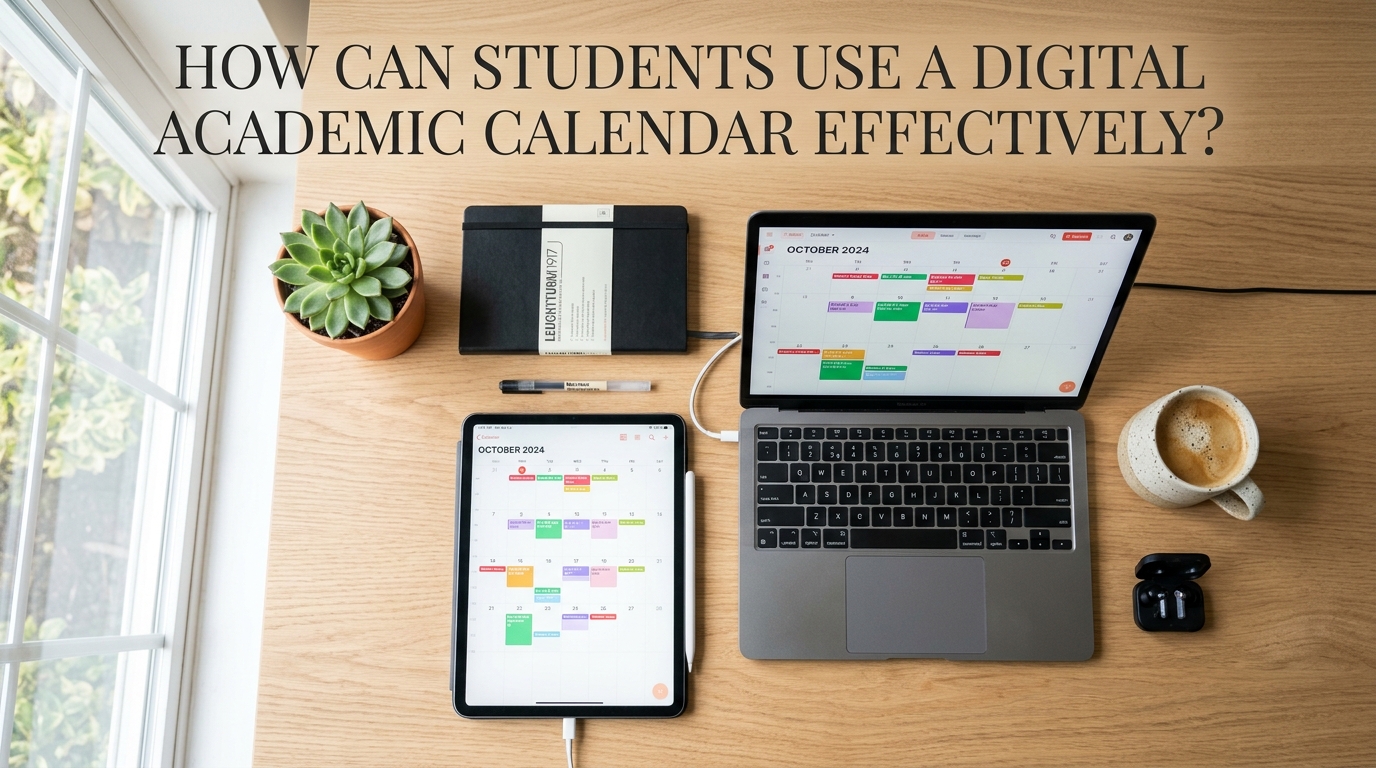
Managing lectures, assignments, examinations, and extracurricular activities can be challenging for university students. Without proper planning, students may forget important deadlines or struggle to balance their academic responsibilities with personal commitments. A digital academic calendar offers a practical way to organize these activities in one accessible place. By using digital scheduling tools, students can record important dates, set reminders, and adjust their plans when schedules change. Using a digital academic calendar effectively can improve time management, reduce unnecessary stress, and help students stay organized throughout the academic year.
UNDERSTAND THE FEATURES OF A DIGITAL ACADEMIC CALENDAR
A digital academic calendar is an electronic scheduling tool that allows students to record and manage important academic dates. It may include features such as event creation, notifications, recurring reminders, color coding, and calendar sharing. Some applications also allow users to synchronize schedules across phones, tablets, and computers. These features make it easier to access academic information without carrying a physical planner. Understanding the available features helps students choose the functions that best support their learning needs.
Students should begin by exploring the basic functions of their chosen calendar application. They can learn how to create events, set reminders, change dates, and organize activities into categories. It is also useful to check whether the application supports recurring classes and shared schedules for group projects. Students do not need to use every available feature immediately. Starting with simple and useful functions can make digital planning easier to maintain over time.
ENTER ALL IMPORTANT ACADEMIC DATES
The first practical step is to enter important dates from the official university academic calendar. These may include the beginning and end of semesters, examination periods, semester breaks, registration deadlines, and public holidays. Students should also add course-specific deadlines from their syllabuses, learning management systems, and lecturers' announcements. This creates a more complete overview of their academic responsibilities. Recording important dates in one central location reduces the chance of overlooking essential deadlines.
Students should verify each entry before saving it. Incorrect dates or times can cause confusion, especially when several examinations or assignments are scheduled close together. If the university updates its academic calendar, students should revise their digital schedules as soon as possible. They should also distinguish between official deadlines and personal target dates for completing work early. Accurate and updated calendar entries make the tool more reliable for everyday academic planning.
SET REMINDERS AND NOTIFICATIONS
One of the most useful features of a digital academic calendar is the ability to send reminders before an event or deadline. Students can set notifications for examinations, assignment submissions, class presentations, and registration periods. For major assignments, it is helpful to create several reminders instead of relying on one alert on the submission date. For example, reminders can be scheduled for the research stage, the first draft, and the final review. Early reminders provide time to prepare and reduce the likelihood of completing important tasks at the last minute.
However, students should choose notification settings carefully. Too many alerts may become distracting, causing students to ignore important reminders. They can prioritize notifications for high-impact deadlines and use fewer alerts for routine activities. Checking the calendar at the beginning or end of each day also helps students stay aware of upcoming responsibilities. A combination of useful reminders and regular reviews makes digital scheduling more effective.
ORGANIZE ACTIVITIES WITH COLOR CODING
Color coding can help students recognize different types of activities quickly. For example, they may use one color for lectures, another for assignments, and a separate color for examinations. Personal appointments and extracurricular activities can also have their own categories. This visual system makes it easier to identify busy days and understand how different responsibilities fit together. A consistent color-coding system can make a crowded calendar easier to read.
Students should avoid using too many colors because this can make the calendar confusing. A small number of clearly defined categories is usually enough for most academic needs. They can also use descriptive event titles, such as the course name and assignment deadline, rather than vague labels. Important details, including locations or preparation notes, can be added to event descriptions when necessary. Clear labels and simple visual organization help students find information quickly and plan their time more efficiently.
CREATE A REALISTIC STUDY SCHEDULE
A digital academic calendar becomes more valuable when students use it to schedule actual study sessions. After entering lectures and fixed deadlines, they can identify available periods for reading, reviewing notes, completing assignments, and preparing for examinations. Study sessions should be realistic and account for the difficulty of each subject. Students should also leave time for meals, rest, travel, and unexpected responsibilities. A balanced study schedule supports consistent progress without making every hour feel occupied.
Students can divide large tasks into smaller activities and assign each one a specific time. For example, a research assignment may require separate sessions for finding sources, outlining ideas, drafting, and editing. Breaking the work into stages makes progress easier to track and helps students start earlier. If a task takes longer than expected, they can adjust future sessions without abandoning the entire plan. Flexible planning and achievable goals help students maintain their schedules over time.
SYNCHRONIZE YOUR CALENDAR ACROSS DEVICES
Many digital calendar applications allow users to access the same schedule on multiple devices. Students can check their plans on a smartphone while traveling and use a computer to organize more detailed study schedules. When synchronization is enabled, changes made on one supported device can appear on the others. This reduces the need to update separate planners manually. Keeping one synchronized calendar helps students maintain a consistent record of their academic commitments.
Students should check that synchronization is working correctly and that they are using the intended account. They should also consider privacy when sharing devices or calendars with other people. Personal appointments and private information do not always need to be visible to classmates or organization members. When collaborating on group projects, students can share only the relevant events instead of exposing their entire personal schedule. Convenient access and appropriate privacy settings make digital calendar use more practical and secure.
REVIEW AND UPDATE YOUR CALENDAR REGULARLY
A digital academic calendar works best when students review it consistently. At the beginning of each week, they can check upcoming lectures, assignment deadlines, examinations, and personal commitments. This review helps them identify scheduling conflicts and decide which tasks need attention first. Students should also check whether their study sessions remain realistic based on their progress. Weekly calendar reviews help turn a list of dates into a practical plan of action.
Students should update the calendar whenever an assignment deadline changes or a university announcement affects their schedule. Completed tasks can be marked as finished if the application supports that feature. If a particular study routine repeatedly fails, students can revise the timing or divide the task into smaller steps. It is also helpful to review the calendar at the end of each semester to identify habits that worked well. Regular updates and reflection allow students to improve their planning methods throughout the academic year.
AVOID COMMON DIGITAL CALENDAR MISTAKES
Although digital calendars are useful, students can still experience problems if they rely on them carelessly. One common mistake is entering a deadline incorrectly or forgetting to update the schedule after an official change. Another is adding so many events that there is no time left for rest or unexpected tasks. Students may also depend entirely on notifications and stop checking their calendars manually. Digital tools support good planning, but they do not replace personal responsibility.
To avoid these problems, students should verify important dates using official university sources and review their schedules regularly. They should leave some flexible time between demanding activities and avoid scheduling every minute of the day. For particularly important deadlines, keeping a backup note or using a second reminder method can be helpful. Students should also choose an application that is easy to use and suitable for their needs. Accuracy, flexibility, and consistency are more important than using a large number of advanced features.
CONCLUSION
Students can use a digital academic calendar effectively by recording official academic dates, setting useful reminders, organizing activities with color coding, and creating realistic study schedules. Synchronizing the calendar across devices and reviewing it regularly can make academic planning more convenient and reliable. Students should also verify schedule changes, protect private information, and leave room for unexpected responsibilities. The most effective calendar is not necessarily the one with the most features, but the one students use consistently. By developing these habits, students can manage deadlines, improve time management, and maintain a better balance between academic and personal activities.
Recent Posts

Bagaimana Sistem SKS pada Program Kuliah... 22.11.2026/50 View

How Does Technology Make Daily Evaluation... 21.11.2026/79 View

Apa Strategi Menghadapi Kesenjangan antara Kompetensi... 21.11.2026/79 View

Mengapa Inventaris Aset Penting bagi Kelancaran... 21.11.2026/75 View

When Should Musicians Join a Record... 21.11.2026/80 View
