

How Can You Download Research Papers from ResearchGate?
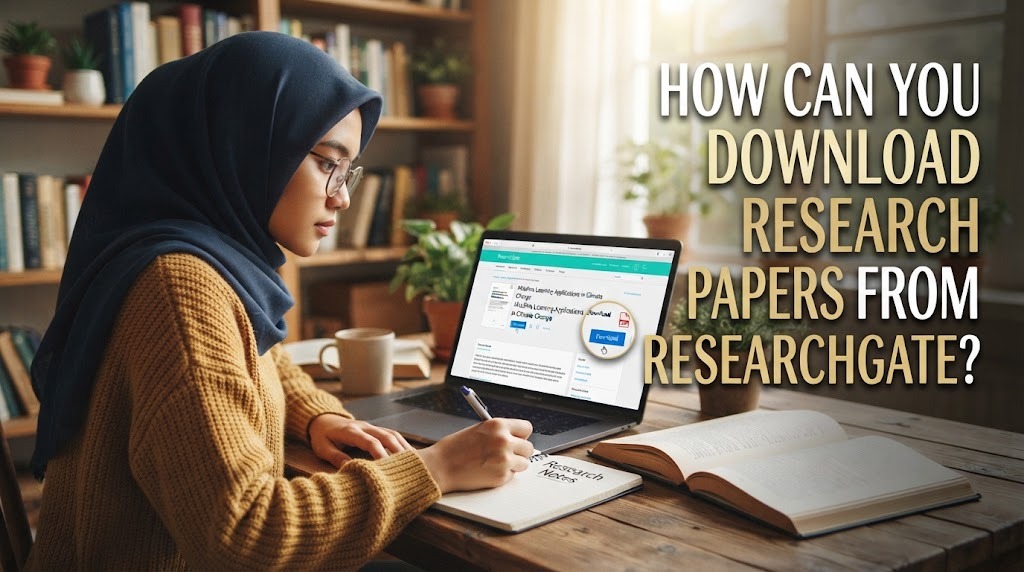
Research papers are important sources of information for students, lecturers, and researchers who need reliable references for academic assignments and scientific projects. ResearchGate is an online platform that allows academics to share publication information, present their research, and connect with other researchers. Some publications on the platform include full-text documents that users can read or download, while others provide only abstracts or publication details. Understanding how to download research papers from ResearchGate can help users find academic resources more efficiently.
CREATE OR ACCESS YOUR RESEARCHGATE ACCOUNT
The first step is to visit the ResearchGate website and access your account. Users who do not have an account can check the platform's current registration requirements and create one if eligible. Having an account can help users manage their profiles, follow researchers, and access features available to registered members.
After signing in, users can begin searching for academic publications related to their subjects. It is helpful to prepare a clear research topic or a list of keywords before starting. For example, a student studying digital marketing might search for terms such as “social media marketing” or “digital consumer behavior.” Specific keywords can make it easier to locate relevant papers.
SEARCH FOR THE RESEARCH PAPER
Once the account is ready, use the search feature to find the desired publication. Users can enter the paper's title, an author's name, or keywords related to the research topic. Searching with the exact title is often useful when looking for a particular study mentioned in a bibliography or academic assignment.
Review the search results carefully before opening a publication. Check the title, author names, publication year, and available description to make sure the paper matches the intended topic. If the exact title does not appear, try a shorter phrase from the title or search using the author's name. These methods can help users identify the correct publication among similar results.
OPEN THE PUBLICATION AND CHECK FULL-TEXT AVAILABILITY
After finding a suitable result, open its publication page to review the available information. Some ResearchGate pages provide a full-text document, while others display an abstract, bibliographic details, or information about the original publication. The available options depend on what the author has shared and the platform's current features.
Look for an option to read or download the full text, if one is available. The wording and placement of these options may differ between publications and interface versions. If the page does not provide a downloadable document, do not assume that the paper is available in full. Users may need to explore other legitimate sources or contact the author.
DOWNLOAD THE AVAILABLE PDF FILE
When a publication includes a downloadable PDF, follow the download option provided on the page. Depending on the interface, the document may open in a browser or be saved directly to the device. If it opens in a browser, users can use the browser's download function to save the file.
After downloading, check the file in the device's Downloads folder or the location selected in the browser. Open the PDF to confirm that it is complete and readable. Saving the paper with a clear filename that includes the author or publication year can also make it easier to organize academic references later.
REQUEST A COPY IF THE FULL TEXT IS UNAVAILABLE
Not every research paper on ResearchGate can be downloaded directly. If the full text is unavailable, the publication page may offer an option to request a copy from the author. When this feature is available, users can send a polite request explaining their academic interest in the paper.
Another option is to search for the article title through Google Scholar, a university library, an institutional repository, or the publisher's official website. Some papers are available through open-access repositories or institutional subscriptions. These alternatives can help users obtain the document through legitimate channels without relying on unauthorized copies.
CHECK THE PAPER BEFORE USING IT
Downloading a research paper does not automatically mean that it is suitable for an academic assignment. Before using the document, check its title, authors, publication date, journal or conference details, and research methods. Reading the abstract and conclusion first can help determine whether the study is relevant to the research question.
Users should also record complete citation details so that the original authors receive proper credit. If a paper is used in an assignment, thesis, or literature review, cite it according to the required referencing style. In addition, respect copyright and licensing terms when downloading, storing, or sharing the document.
CONCLUSION
Downloading research papers from ResearchGate involves accessing the platform, searching for the desired publication, checking full-text availability, and using the download option when provided. If a paper is unavailable, users can request a copy from the author when possible or search through academic libraries and authorized repositories. Checking publication details and recording accurate citations are also important steps. By following these practices, students and researchers can find useful academic resources while respecting publication rights.
Recent Posts

Bagaimana Sistem SKS pada Program Kuliah... 22.11.2026/43 View

How Does Technology Make Daily Evaluation... 21.11.2026/72 View

Apa Strategi Menghadapi Kesenjangan antara Kompetensi... 21.11.2026/74 View

Mengapa Inventaris Aset Penting bagi Kelancaran... 21.11.2026/70 View

When Should Musicians Join a Record... 21.11.2026/74 View
