

How Do Students Use an Academic Portal Correctly?
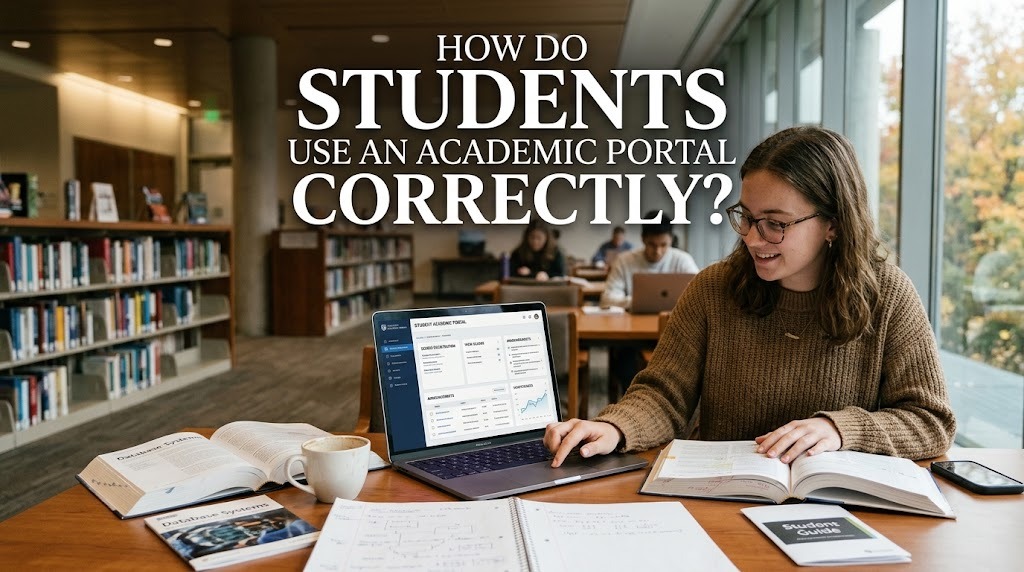
An academic portal is an online platform that helps students access academic information and complete various university-related activities. Through this system, students may be able to check class schedules, view grades, register for courses, read announcements, and review academic records. Using the portal correctly helps students manage their academic responsibilities and stay informed about important university procedures.
Although academic portals are designed to simplify campus administration, students need to understand how to use their features properly. Incorrect data entry, missed announcements, or careless account management can cause unnecessary problems. By learning the available functions and following university guidelines, students can use an academic portal system more effectively throughout their studies.
UNDERSTAND THE FEATURES AVAILABLE IN THE PORTAL
The first step in using an academic portal for students correctly is to become familiar with its available features. Depending on the university, the platform may provide access to course registration, class schedules, examination information, grades, attendance records, and academic announcements. Some portals also include links to tuition payment services, learning management systems, or administrative requests.
Students should take time to explore the dashboard and understand the purpose of each menu. Knowing where to find specific information can save time and reduce the risk of selecting the wrong option. If a feature is unclear, students can consult the university's user guide or contact the relevant administrative department. Understanding the system before using important functions can help prevent avoidable errors.
KEEP LOGIN DETAILS SECURE AND ACCURATE
Students generally need an account to access their university academic portal. Login credentials may include a student identification number, username, password, or another authentication method provided by the institution. Students should use the official portal address and enter their credentials carefully to avoid login problems.
Account security is also essential. Students should create a strong password when permitted, avoid sharing login details with other people, and never enter credentials on suspicious websites. If the university provides additional security features, such as verification codes, students should follow the recommended procedures. Logging out after using a shared computer can also help protect academic records and personal information from unauthorized access.
CHECK ACADEMIC INFORMATION REGULARLY
Using an academic portal correctly includes checking it regularly for updates. Students can review class schedules, examination dates, academic calendars, grades, and announcements to stay informed about their responsibilities. Important information may change during a semester, so relying only on an old screenshot or previously saved schedule can lead to confusion.
Students should also verify that the information displayed in the portal is accurate. If a registered course is missing, a grade appears incorrect, or a schedule contains conflicting details, they should contact the appropriate university department. Reporting discrepancies promptly can help the institution investigate and correct potential errors. Regular checks also make it easier for students to plan their study activities and avoid missing important deadlines.
FOLLOW THE CORRECT PROCEDURES FOR ACADEMIC SERVICES
Many academic portal features allow students to submit requests or complete administrative processes. These may include registering for courses, updating personal information, submitting academic forms, or reviewing study requirements. Students should read the instructions carefully before submitting any information or confirming a transaction.
It is important to distinguish between saving a selection and completing a process. For example, choosing courses may not mean registration is finished if the university requires an additional confirmation or approval. Students should check for submission receipts, confirmation messages, or updated records when available. Following the official procedures helps ensure that academic requests are processed correctly and reduces the possibility of administrative complications.
SOLVE TECHNICAL PROBLEMS AND SEEK HELP WHEN NEEDED
Students may occasionally experience difficulties when accessing an academic portal system, such as forgotten passwords, slow loading pages, or temporary service interruptions. When a problem occurs, they can first check their internet connection, verify the portal address, and try using an updated browser. If login details are incorrect, they should use the official password recovery procedure rather than repeatedly guessing the password.
If the problem continues, students should contact the university's IT support team or the department responsible for the portal. Providing a clear description of the problem, the time it occurred, and any error message can help the support team investigate. Students should avoid sharing passwords or sensitive personal information when requesting assistance. They should also follow official university announcements when the portal is undergoing maintenance or experiencing service disruptions.
CONCLUSION
Students can use an academic portal correctly by understanding its features, protecting their login details, checking academic information regularly, and following the required procedures for university services. These habits can help students manage their studies more effectively and reduce mistakes when accessing important academic records or completing administrative tasks.
When technical issues or information discrepancies occur, students should follow official troubleshooting instructions and seek assistance from the appropriate university department. Every institution may use a different portal with specific features and procedures, so students should refer to the guidelines provided by their university. With careful and consistent use, an academic portal can become a valuable tool for managing academic activities throughout university life.
Recent Posts

Bagaimana Sistem SKS pada Program Kuliah... 22.11.2026/57 View

How Does Technology Make Daily Evaluation... 21.11.2026/86 View

Apa Strategi Menghadapi Kesenjangan antara Kompetensi... 21.11.2026/84 View

Mengapa Inventaris Aset Penting bagi Kelancaran... 21.11.2026/82 View

When Should Musicians Join a Record... 21.11.2026/86 View
