

How Does Technology Make Out-Of-Town Business Trips Easier?
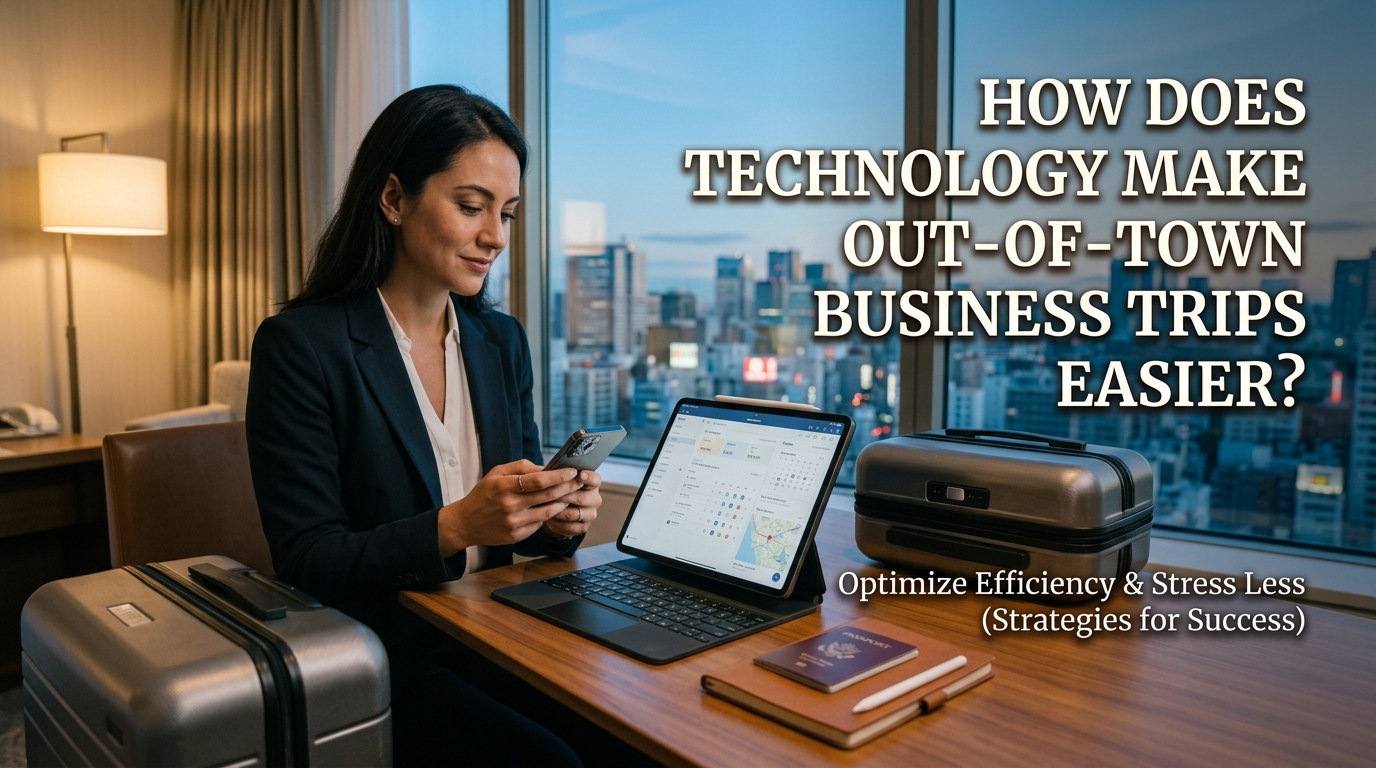
Technology has changed the way employees plan and manage out-of-town business trips. In the past, arranging transportation, booking accommodation, and coordinating meetings often required more time and paperwork. Today, digital tools allow employees to organize travel arrangements, communicate with coworkers, and access important information more quickly. These tools can also help companies control travel expenses and respond to unexpected changes. By using technology effectively, employees can make business trips more organized, efficient, and productive.
SIMPLIFIES TRAVEL PLANNING AND BOOKINGS
Travel planning becomes easier with websites and mobile applications that allow employees to compare transportation options and accommodation. They can check ticket prices, review departure times, and select suitable hotels without visiting multiple offices. Online booking systems also provide digital tickets, reservation confirmations, and travel details in one place. These tools save time and help employees prepare for their journeys more efficiently.
Employees can use digital calendars to organize departure times, hotel check-ins, meetings, and other activities. Booking confirmations can be stored on a phone or computer, making them easier to access when needed. However, employees should review reservation details carefully and understand cancellation policies before confirming a booking. Careful use of booking technology reduces planning difficulties and helps prevent avoidable mistakes.
IMPROVES NAVIGATION AND TRANSPORTATION
Navigation applications help employees find routes to hotels, offices, meeting venues, and other destinations. They can check estimated travel times, identify alternative routes, and receive updates about traffic conditions. This is especially useful when traveling to an unfamiliar city where local roads and transportation systems may be difficult to understand. Digital navigation tools help employees travel more confidently and reduce the risk of getting lost.
Transportation applications can also help employees arrange taxis, check public transportation schedules, or locate nearby stations. Some services provide estimated fares and journey details before a trip begins. Employees should still allow extra time for unexpected delays and verify important travel information through reliable sources. Combining digital navigation with good time management makes business travel more convenient.
SUPPORTS COMMUNICATION AND ONLINE MEETINGS
Communication technology allows employees to stay connected with coworkers, supervisors, and clients while traveling. Email, messaging applications, and video conferencing platforms make it possible to share updates and discuss work without returning to the office. Employees can also join online meetings when an in-person meeting is delayed or cannot take place as planned. Reliable communication tools help maintain teamwork and reduce unnecessary interruptions.
Cloud-based collaboration platforms allow teams to share documents, edit files, and track project progress from different locations. Employees can review presentations, exchange feedback, and complete certain tasks while away from their usual workplace. However, they should consider time differences, internet quality, and meeting participants' availability. Digital communication helps employees continue their responsibilities and maintain professional relationships during business trips.
HELPS MANAGE TRAVEL EXPENSES
Technology makes it easier for employees to monitor and record business travel expenses. Expense management applications can store digital receipts, categorize spending, and organize information for reimbursement reports. Employees may also use spreadsheets or company financial systems to record transportation, accommodation, meals, and other approved costs. Digital expense tracking improves accuracy and helps employees keep spending within the company budget.
Some travel platforms allow employees to compare prices before making reservations. This can help them identify suitable options based on company policies, schedules, and available budgets. Employees should check whether additional fees apply and keep the necessary payment records. Using expense management tools makes financial reporting more organized and transparent.
PROVIDES EASY ACCESS TO IMPORTANT DOCUMENTS
Digital storage allows employees to keep essential travel and work documents in one accessible location. These may include electronic tickets, hotel confirmations, meeting agendas, presentations, and business reports. With secure cloud storage, employees can access files from different devices when an internet connection is available. Some services also support offline access if documents are downloaded in advance. Easy access to important files reduces the need for printed paperwork and helps employees stay prepared.
Employees should organize documents into clearly named folders and keep backup copies of essential information. They must also protect confidential company files by using strong passwords, approved storage services, and appropriate access permissions. Sensitive information should not be uploaded to unapproved applications or accessed through insecure networks. Good digital document management combines convenience with information security.
INCREASES PRODUCTIVITY DURING TRAVEL
Technology enables employees to complete certain work activities even when they are away from the office. Laptops, smartphones, and productivity applications allow them to review documents, update schedules, respond to messages, and prepare presentations. These tools are particularly useful when employees have waiting periods or free time between appointments. Mobile work tools help employees use available time more effectively.
Task management applications can also help employees organize priorities and monitor deadlines. Digital calendars send reminders about meetings, while shared project tools help teams follow ongoing work. However, employees should avoid trying to work continuously throughout the journey because excessive screen time and insufficient rest can reduce concentration. The best approach is to use technology to support productivity while maintaining a healthy balance between work and rest.
HELPS EMPLOYEES HANDLE UNEXPECTED CHANGES
Unexpected problems can occur during business trips, including transportation delays, canceled reservations, and changes to meeting schedules. Technology can help employees receive notifications, check updated travel information, and contact relevant people quickly. They may also use booking applications to review available alternatives or modify reservations when the service permits it. Fast access to updated information helps employees respond more effectively to unexpected situations.
Employees should keep important contact details and reservation information accessible throughout the journey. They can also use digital calendars to adjust their schedules when appointments change. However, they should not rely entirely on one device or application because technical problems, low battery power, and poor internet connections can occur. Keeping backup information and alternative plans makes technology more useful during travel disruptions.
CONCLUSION
Technology makes out-of-town business trips easier by simplifying travel planning, improving navigation, supporting communication, and helping employees manage expenses. Digital tools also provide convenient access to documents, increase productivity, and make it easier to respond to unexpected changes. Nevertheless, employees should choose reliable applications, protect company information, and verify important travel details before departure. When used wisely, technology saves time, improves organization, and helps employees focus on their main business objectives.
Recent Posts

Bagaimana Sistem SKS pada Program Kuliah... 22.11.2026/57 View

How Does Technology Make Daily Evaluation... 21.11.2026/86 View

Apa Strategi Menghadapi Kesenjangan antara Kompetensi... 21.11.2026/84 View

Mengapa Inventaris Aset Penting bagi Kelancaran... 21.11.2026/82 View

When Should Musicians Join a Record... 21.11.2026/86 View
