

What Are the Best Digital Calendar Apps for Daily Productivity?
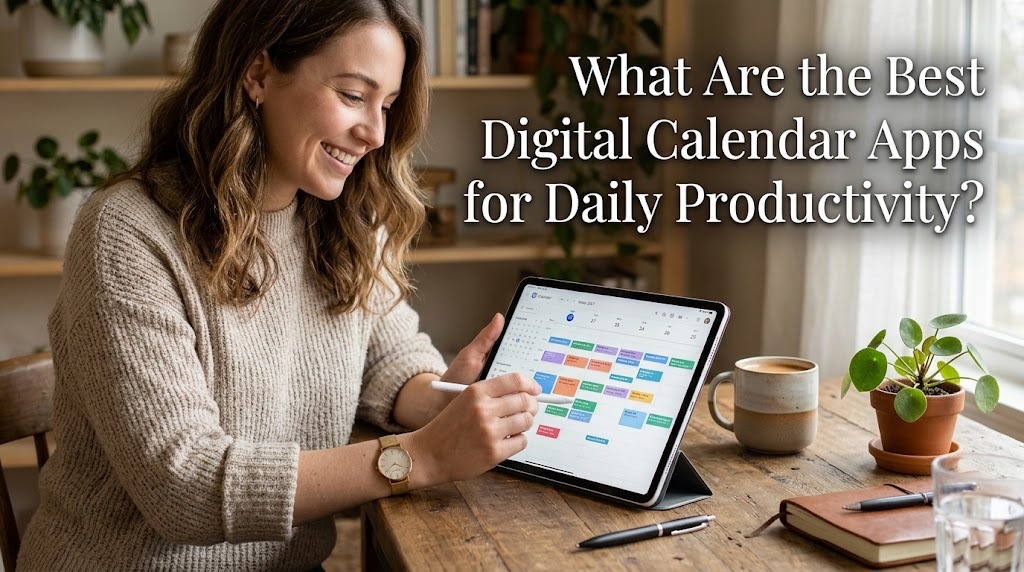
Digital calendar apps help people organize daily activities, manage appointments, and use their time more effectively. They provide convenient tools for scheduling tasks, setting reminders, tracking deadlines, and coordinating meetings. With many applications available, choosing the right digital calendar depends on individual needs, preferred devices, and existing work habits. Some apps focus on simple scheduling, while others combine calendars with task management and productivity tools. Understanding the strengths of each application can help users select a suitable solution for improving daily productivity.
GOOGLE CALENDAR FOR EVERYDAY SCHEDULING
Google Calendar is a popular option for managing personal schedules, work appointments, classes, and daily activities. It allows users to create events, set reminders, schedule recurring activities, and view their plans by day, week, or month. Users can also share calendars with other people and invite participants to meetings. Its integration with Gmail and Google Meet makes it convenient for people who regularly use Google's productivity services. These features make it a practical choice for students, professionals, and individuals who need a straightforward scheduling system.
Another advantage of Google Calendar is its availability on the web, Android, and iOS. Users can access their schedules across supported devices and receive notifications about upcoming events. Color-coded calendars can also help separate work responsibilities from personal activities. The application is particularly suitable for people who want a flexible calendar without paying for basic personal scheduling. However, users who need advanced project management may benefit from combining it with a dedicated task management application.
MICROSOFT OUTLOOK CALENDAR FOR PROFESSIONAL WORK
Microsoft Outlook Calendar is suitable for professionals and organizations that rely on Microsoft 365. It combines calendar scheduling with email, making it easier to arrange meetings, manage invitations, and review appointment details. Users can organize recurring meetings, check availability, and coordinate schedules with colleagues. Its integration with Microsoft Teams also supports online meetings and workplace collaboration. These capabilities make Outlook especially useful for employees who manage frequent meetings and professional commitments.
Outlook Calendar is available through supported desktop applications, mobile devices, and web access. Users can review their appointments alongside work-related messages and other Microsoft productivity tools. This integrated approach can reduce the need to switch between separate applications throughout the day. However, some advanced features depend on the user's account, organization, or subscription. Outlook is generally a strong choice for people whose daily responsibilities already depend on Microsoft's workplace ecosystem.
APPLE CALENDAR FOR APPLE DEVICE USERS
Apple Calendar is a convenient option for people who primarily use an iPhone, iPad, or Mac. It allows users to create events, organize appointments, set alerts, and manage different calendars. Its integration with Apple's ecosystem makes it easy to access schedules across supported devices through iCloud. Users can also organize personal and professional commitments separately to make their daily plans easier to understand. The familiar interface makes it suitable for people who prefer a simple calendar without unnecessary complexity.
Apple Calendar can support everyday productivity through event notifications, recurring appointments, and calendar sharing. Depending on the device and configuration, users can also benefit from integrations with other Apple services. For example, location information can help users prepare for appointments and plan their journeys. The application is particularly appealing because it is available without a separate calendar subscription on supported Apple devices. However, people who frequently switch between different operating systems may prefer an application with broader cross-platform integration.
NOTION CALENDAR FOR PROJECT AND TASK PLANNING
Notion Calendar is useful for people who organize their work, projects, and notes through Notion. It helps users view scheduled events alongside relevant project information, making it easier to understand upcoming responsibilities. This arrangement can be helpful for freelancers, students, content creators, and teams that manage several ongoing projects. Instead of viewing appointments separately from project deadlines, users can connect their schedules with their broader planning workflow. Its value is especially clear when important work information is already organized in Notion.
The application also supports calendar-based planning and helps users maintain visibility over upcoming commitments. Users can review meetings and organize their time around project activities. However, its usefulness depends on how people manage their existing calendars and project information. It may not be the most practical choice for someone who only needs a basic daily schedule. People who already rely on Notion are more likely to benefit from its connected planning environment.
TODOIST FOR TASKS AND DAILY PRIORITIES
Todoist is primarily a task management application that can complement digital calendars. It allows users to create to-do lists, set due dates, organize projects, and assign priorities to different responsibilities. These features are useful for people who need to manage several tasks rather than simply record appointments. For example, a student can organize assignments and study activities, while an employee can track reports, deadlines, and follow-up work. Its task-focused approach helps users identify what needs to be completed each day.
Todoist also offers calendar-related capabilities and integrations that help users coordinate tasks with their schedules. Depending on the plan and configuration, users can use calendar views and time-blocking tools to allocate time for particular activities. This can make daily planning more realistic by connecting deadlines with available working hours. However, users who primarily need shared meetings and traditional event scheduling may find a dedicated calendar more convenient. Todoist works particularly well when combined with Google Calendar or another suitable scheduling application.
FANTASTICAL FOR ADVANCED CALENDAR MANAGEMENT
Fantastical is a calendar application designed for users who want more advanced scheduling tools and a refined interface. It supports calendar views, event creation, reminders, and integrations with supported calendar services. Its natural-language event entry can make scheduling more convenient because users can describe an appointment in ordinary language rather than manually completing every field. Depending on the platform and subscription, additional features can support scheduling links, multiple calendar accounts, and task organization. These capabilities appeal to users who manage complex schedules throughout the day.
Fantastical can be especially helpful for professionals who want greater control over how their appointments are displayed. Users can organize multiple calendars and review upcoming events in a consolidated interface where supported. Nevertheless, some advanced features require a paid subscription, so users should evaluate whether those tools justify the expense. Basic calendar applications may be sufficient for people with simple routines. Fantastical is most appropriate for users who value advanced features and are willing to invest in a more specialized scheduling experience.
TICKTICK FOR COMBINING CALENDARS AND HABITS
TickTick is a productivity application that combines task management with features for organizing daily routines. Users can create tasks, set deadlines, establish priorities, and manage recurring responsibilities. It also offers habit tracking and focus tools that can support consistent work and study routines. These features help users connect their daily activities with longer-term productivity goals. For example, someone can organize work assignments while tracking regular exercise or reading habits.
Its calendar functionality can help users visualize tasks and plan their time more effectively, although some features depend on the subscription plan. Seeing tasks alongside scheduled activities makes it easier to recognize busy periods and adjust priorities. Users can also build routines around recurring tasks instead of relying entirely on memory. However, people who only need a simple appointment calendar may not require all these additional tools. TickTick is a useful option for individuals who want task planning, habit tracking, and scheduling features within one productivity system.
HOW TO CHOOSE THE RIGHT DIGITAL CALENDAR APP
Choosing the best digital calendar app begins with identifying the activities that require the most attention. People who mainly schedule appointments and meetings may find Google Calendar or Apple Calendar sufficient. Professionals who work extensively with Microsoft 365 may benefit more from Outlook Calendar. Those who organize projects in Notion or prioritize task lists may prefer Notion Calendar or Todoist, while TickTick can suit users who want to combine scheduling with habit tracking. Comparing applications according to actual needs is more effective than choosing one simply because it has the most features.
Users should also consider device compatibility, synchronization, notification settings, privacy controls, and subscription costs. An application that works smoothly across the devices they already use can make daily planning more convenient. Before committing to a paid service, users should test the available features and determine whether they improve their routine. It is also important to avoid maintaining too many separate calendars because this can create duplicate events and scheduling confusion. A simple, consistently updated system is often more productive than a complicated setup.
CONCLUSION
The best digital calendar apps for daily productivity depend on individual preferences, work environments, and scheduling needs. Google Calendar is a strong general-purpose option, Outlook Calendar suits Microsoft-based workplaces, and Apple Calendar works well for people using Apple devices. Notion Calendar supports project-oriented planning, while Todoist and TickTick help users manage tasks and priorities. Fantastical offers additional scheduling features for users who need more advanced calendar management. By selecting an application that fits their routine, organizing activities consistently, and using reminders effectively, users can improve time management and maintain a more productive daily schedule.
Recent Posts

Bagaimana Sistem SKS pada Program Kuliah... 22.11.2026/56 View

How Does Technology Make Daily Evaluation... 21.11.2026/86 View

Apa Strategi Menghadapi Kesenjangan antara Kompetensi... 21.11.2026/84 View

Mengapa Inventaris Aset Penting bagi Kelancaran... 21.11.2026/82 View

When Should Musicians Join a Record... 21.11.2026/86 View
