

What Are the Best Free Digital Signature Apps for Beginners?
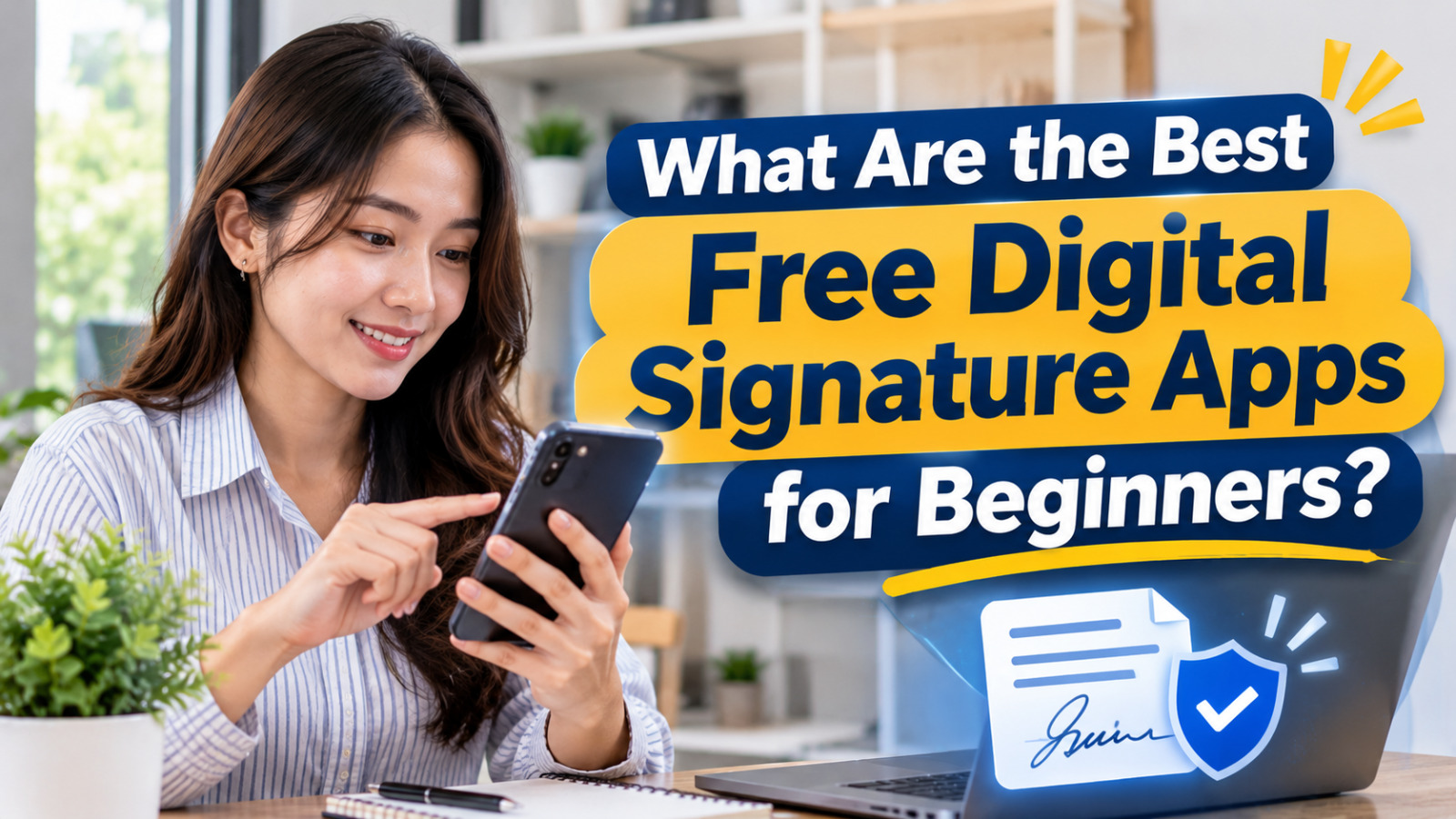
Digital signatures and electronic signing tools have made document management easier for individuals, students, and businesses. Instead of printing documents and signing them manually, users can now add signatures to PDF files or send documents through online signing platforms. These tools are especially useful for people who want to complete simple administrative tasks without investing in expensive software.
For beginners, choosing the right free digital signature app can make the signing process more practical and accessible. Several platforms provide free features for signing personal documents, while others offer limited free plans for requesting signatures from other people. Understanding their functions, limitations, and security features can help users select an application that matches their needs.
ADOBE ACROBAT READER FOR SIGNING PDF DOCUMENTS
Adobe Acrobat Reader is a widely used application for viewing and managing PDF documents. Its free features allow users to fill out forms and add electronic signatures to PDF files. This makes it useful for beginners who frequently receive forms, application documents, or other files that require a personal signature.
The application is available for desktop computers and mobile devices, allowing users to work with documents through different platforms. Its familiar PDF interface also makes it relatively accessible for people who are learning how to manage electronic documents. However, advanced editing and more extensive signature management features may require a paid subscription.
APPLE MARKUP AND PREVIEW FOR APPLE USERS
Apple provides built-in document annotation features through Markup and Preview, depending on the device being used. These tools allow users to add a drawn signature to supported documents without necessarily installing a separate signing application. On compatible Apple devices, users can create and reuse a signature when working with PDF files.
One advantage of these built-in features is that users do not need an additional subscription for basic personal signing. They can use the available tools to complete simple forms and save the signed documents. However, Apple Markup and Preview are primarily designed for personal document annotation rather than managing complex signing workflows involving multiple recipients, reminders, or detailed audit records.
SIGNWELL AND ZOHO SIGN FOR REQUESTING SIGNATURES
Some beginners need more than a tool for adding their own signature. They may also need to send documents to other people and collect their approvals electronically. SignWell and Zoho Sign provide online signing workflows that can support these activities through browser-based platforms and account management features.
SignWell offers a free plan with a limited number of documents, making it an option for users who only send occasional signing requests. Zoho Sign also provides a free option with restrictions on the number of envelopes and available features. These services can help users monitor signing activities and organize documents more efficiently than simply exchanging files through email. However, beginners should check the latest plan conditions before registering because free-plan limits can change.
JOTFORM SIGN AND PANDADOC FOR DOCUMENT WORKFLOWS
Jotform Sign is another option for users who want to prepare documents and request electronic signatures through an online platform. Its free plan provides a limited signing allowance, which can be useful for individuals or small teams with occasional document requirements. Users should also consider the platform's branding and other plan restrictions before choosing it.
PandaDoc offers document creation and electronic signing features that can support basic business workflows. Depending on the available plan, users may be able to prepare documents, add signature fields, and manage signing activities within the same platform. These features can be useful for beginners who want to learn how digital document workflows operate. However, free access may have limitations involving document volume, recipients, templates, or advanced tools.
HOW TO CHOOSE A FREE DIGITAL SIGNATURE APP SAFELY
Before selecting an application, beginners should identify what they actually need. If the goal is simply to add a personal signature to a PDF, a built-in tool or free PDF reader may be sufficient. However, users who need to send agreements to other people may benefit from a platform that provides signing requests, notifications, and document tracking.
Security and privacy should also be important considerations. Choose a reputable provider, review its privacy policy, and understand how uploaded documents and personal information are handled. Avoid sharing account passwords or authentication codes, and use appropriate security settings when managing confidential files.
Another important consideration is the difference between an electronic signature and a cryptographic digital signature. Adding a typed name or an image of a handwritten signature does not automatically provide cryptographic verification or the same legal recognition as a certified digital signature. Users should check the platform's actual capabilities and applicable legal requirements before signing official or legally important documents.
CONCLUSION
Several free applications can help beginners manage electronic document signing, including Adobe Acrobat Reader, Apple Markup and Preview, SignWell, Zoho Sign, Jotform Sign, and PandaDoc. Each offers different features, ranging from adding a personal signature to requesting signatures from other participants. The most suitable option depends on the user's device, document requirements, and the features available in its free plan.
Before choosing an application, users should compare its signing capabilities, document limits, security features, and privacy policies. They should also understand that a basic electronic signature is not necessarily equivalent to a cryptographic digital signature. By selecting a reliable platform and understanding its limitations, beginners can manage electronic documents more conveniently and securely without immediately paying for a subscription.
Recent Posts

How Does Technology Make Daily Evaluation... 21.11.2026/62 View

Apa Strategi Menghadapi Kesenjangan antara Kompetensi... 21.11.2026/63 View

Mengapa Inventaris Aset Penting bagi Kelancaran... 21.11.2026/59 View

When Should Musicians Join a Record... 21.11.2026/58 View
Daily Evaluation or Daily Planning Which... 21.11.2026/66 View
