

What Features Are Important In A Digital Note Taking App?
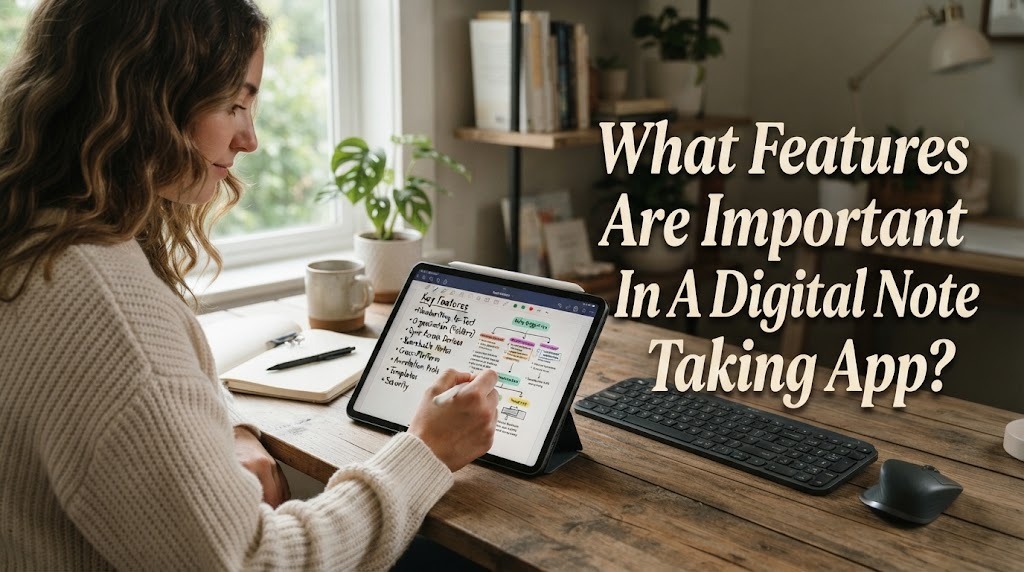
A digital note taking app can help users record, organize, and access information more conveniently. However, different applications offer different features, so choosing the right one can sometimes be confusing. A useful app should support the way you study, work, or manage daily information. Important features include easy editing, organization, search tools, synchronization, and reliable storage. Understanding these features can help users choose an application that matches their needs.
EASY NOTE CREATION AND EDITING
The most basic feature of a digital note taking app is the ability to create and edit notes easily. Users should be able to type information without complicated steps. Simple editing tools make it easier to add, remove, or change information whenever necessary. This is useful because notes often need to be updated after a class, meeting, or study session. A good app should make basic tasks feel quick and convenient.
Useful editing features can include text formatting, bullet points, checklists, headings, and links. Some applications also support handwriting or drawing with a compatible device. The available tools should match the user's needs rather than simply providing many options. An easy interface can make regular note taking more comfortable. Users are more likely to maintain their notes when the application is simple to operate.
ORGANIZATION TOOLS
Good organization is important when users have many digital notes. A note taking app should provide tools such as folders, notebooks, sections, or tags to separate different types of information. These features can help users organize school subjects, work projects, personal ideas, and other materials. Clear organization also makes it easier to return to older notes. Without an effective structure, even a large collection of useful notes can become difficult to manage.
Users should be able to create an organization system that matches their habits. Some people may prefer folders, while others may find tags or notebooks more convenient. The app should make it easy to move or reorganize notes when their needs change. Flexible organization can help users maintain a cleaner digital workspace. A simple system is usually easier to maintain than one with too many categories.
SEARCH FUNCTION
A search function is one of the most useful features when managing a large number of notes. Instead of opening notes one by one, users can search for specific words or phrases. This can save time when looking for a definition, task, idea, or old piece of information. Some applications can search through titles as well as the content of notes. The quality of search features may differ between applications.
Search becomes even more useful when notes have clear titles and organized content. Users should use meaningful words in their notes so important information can be found more easily. If the application supports advanced search options, users may be able to narrow results further. Fast and reliable search makes large note collections easier to manage. It is especially valuable for students and professionals who store information over a long period.
SYNCHRONIZATION ACROSS DEVICES
Many people use more than one device during the day. A digital note taking app with synchronization can keep notes updated across supported devices. For example, a user may create a note on a computer and later review it on a smartphone. This can provide greater flexibility when moving between locations. However, synchronization depends on the application's design, account settings, and internet connection in many cases.
Users should check which devices are supported before choosing an application. They should also understand whether synchronization is automatic or requires a manual action. Reliable synchronization can reduce the need to transfer notes between devices manually. It can also help users maintain access to the latest version of their information.
CLOUD STORAGE AND BACKUP
Storage and backup features are important because digital information can be lost through accidental deletion, device problems, or other technical issues. Some applications offer cloud storage that keeps notes on remote servers and allows access through an account. Others may provide export or backup options that let users save copies elsewhere. These features can provide additional protection for important information.
Users should not assume that every digital note is automatically protected forever. It is useful to understand how an application handles deleted notes, backups, and account recovery. Important assignments, project information, and personal documents may need additional backup copies. A reliable backup system can reduce the risk of permanent data loss. Users should also consider the storage limits and terms of the service.
MULTIMEDIA SUPPORT
Modern digital notes do not always need to contain text only. Some applications allow users to add images, audio recordings, videos, files, drawings, or web links. These features can be useful for students who need diagrams, recorded explanations, or supporting documents. They can also help professionals keep related project materials together. However, the usefulness of multimedia depends on the type of notes being created.
Users should choose multimedia features based on their actual needs. Adding too many large files can use significant storage space and make notes harder to manage. Files should also be organized so users can find them later. Multimedia support is valuable when additional formats improve understanding or provide useful context. It should support the note rather than make it unnecessarily complicated.
SHARING AND COLLABORATION
Sharing features can be useful when notes are created for group activities. Some applications allow users to share notes with other people and may provide commenting or collaborative editing tools. This can support group projects, meetings, and study discussions. Users can exchange information without creating multiple physical copies. However, collaboration features vary between applications.
Privacy should be considered whenever notes are shared. Users should check who has permission to view or edit a note before sending it. Information containing personal or confidential details should receive additional protection. Good sharing controls give users more control over their information. Collaboration is most useful when convenience and privacy are both considered.
SECURITY AND PRIVACY FEATURES
Digital notes may contain personal information, school materials, work documents, or private ideas. Therefore, security and privacy features are important when choosing a note taking app. Users should look for appropriate account protection and understand how their information is stored and shared. Some applications may provide additional security features, while others may offer only basic protection. The right choice depends partly on the sensitivity of the information being stored.
Users should also review privacy settings and sharing permissions. Strong account security can help reduce the risk of unauthorized access. It is important to choose a service whose privacy practices are suitable for the type of information being stored. Convenience should not replace responsible protection of personal data. A useful note taking app should provide a reasonable balance between accessibility and security.
CONCLUSION
A good digital note taking app should provide features that make recording and managing information easier. Easy editing, organization tools, search functions, synchronization, backup, and security are among the most important features to consider. Multimedia support and collaboration can provide additional value depending on the user's needs. No single application is perfect for everyone, so users should focus on the features they will actually use. Choosing the right combination of features can make digital note taking more efficient, organized, and convenient.
Recent Posts

Bagaimana Sistem SKS pada Program Kuliah... 22.11.2026/33 View

How Does Technology Make Daily Evaluation... 21.11.2026/67 View

Apa Strategi Menghadapi Kesenjangan antara Kompetensi... 21.11.2026/67 View

Mengapa Inventaris Aset Penting bagi Kelancaran... 21.11.2026/65 View

When Should Musicians Join a Record... 21.11.2026/66 View
