

What Should You Do When You Receive an OTP Code Without Requesting Verification?
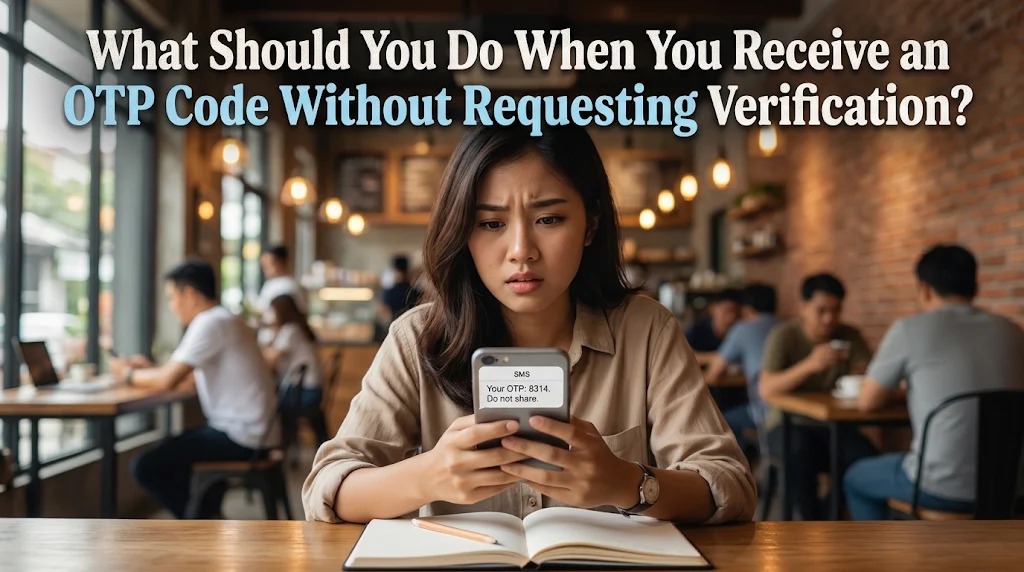
Digital services frequently use security systems to protect users from unauthorized account access. One common method is the One-Time Password (OTP), a temporary verification code sent when someone attempts to log in, reset a password, register an account, or complete a transaction. However, users sometimes receive OTP messages even though they have not requested any verification.
Receiving an unexpected OTP code can be confusing and may indicate that someone has entered the wrong phone number or is attempting to access an account without permission. Although not every unexpected message means an account has been hacked, it should never be ignored. Understanding the possible causes and taking appropriate security measures can help prevent account theft, financial fraud, and personal information exposure.
UNDERSTANDING WHY UNEXPECTED OTP CODES ARE RECEIVED
An OTP code, or One-Time Password, is a temporary authentication code used to confirm a user's identity during a specific digital activity. It is generally delivered through SMS, email, or an authenticator application. The code must be entered into the appropriate verification system before the requested activity can continue.
When someone receives an OTP code without requesting verification, several situations may explain the incident. Another person may have accidentally entered the wrong phone number, or someone may be attempting to log in using the recipient's account information. In other situations, criminals may deliberately trigger verification requests as part of an account takeover attempt.
The important point is that an unexpected OTP message should be treated as a potential security warning. Even if the code expires automatically, users should remain cautious because repeated verification requests may indicate ongoing attempts to access an account.
Users should also remember that receiving an OTP does not automatically mean that someone has successfully entered their account. In many authentication systems, the code is sent precisely because the platform requires additional verification before granting access.
NEVER SHARE OR REVEAL THE UNEXPECTED OTP CODE
The first and most important action is to never share the OTP code with anyone. Users should not send it through messaging applications, email, social media, or telephone conversations. Even if someone claims to be a bank employee or customer service representative, the verification code must remain confidential.
Cybercriminals often exploit unexpected OTP messages to manipulate victims. They may contact someone shortly after the code arrives and claim that the message was sent by mistake. They might then ask the recipient to forward the code to cancel a transaction, verify an identity, or restore an account.
These explanations are frequently designed to create trust and encourage users to reveal confidential information. In reality, the person requesting the code may be trying to complete a login process or authorize an activity using the victim's account.
Users should also avoid sharing screenshots of OTP messages because they may contain verification information and details about the authentication process. The safest response is to ignore requests for the code and allow it to expire if no verification was initiated.
CHECK WHETHER SOMEONE IS TRYING TO ACCESS YOUR ACCOUNT
After receiving an unexpected OTP code, users should review the security status of the account connected to the message. They can begin by checking whether there are unfamiliar login notifications, password reset emails, or suspicious activity alerts. These notifications may provide clues about whether someone is attempting to access the account.
If the OTP message identifies a particular service, users should open that service through its official application or manually accessed website. They should avoid clicking links included in suspicious messages because these may lead to phishing websites designed to steal account information.
Users should also check recent login activity when the platform provides this feature. Unfamiliar devices, unknown locations, or unexpected account changes may indicate suspicious activity. If anything unusual appears, changing the password and reviewing account recovery settings can help strengthen protection.
It is also important to secure the email address associated with the account. Email services are frequently used for password recovery, so unauthorized access to an email account can create additional risks. Using a strong password and enabling additional authentication can help prevent further security problems.
IDENTIFYING POSSIBLE OTP SCAMS AND PHISHING ATTACKS
Unexpected OTP messages can sometimes be connected to phishing and social engineering attacks. Criminals may send fake notifications or contact victims through phone calls and messaging applications to convince them that an account is experiencing a security problem.
For example, someone may claim that an unauthorized transaction has occurred and that the recipient must provide the OTP code to stop it. Another common tactic involves pretending to be customer service personnel who need the code to verify the account owner's identity.
Users should be suspicious of messages that create urgency, threaten account suspension, or request confidential information. They should also check whether the communication comes from an official channel rather than trusting a displayed sender name or telephone number.
If the message appears suspicious, users should report it through the official service provider's security or customer support channel. They should never follow instructions from unknown individuals or enter verification information on websites received through unsolicited links.
STEPS TO TAKE IF YOU RECEIVE OTP CODES REPEATEDLY
Receiving one unexpected OTP message may result from a typing mistake or an isolated login attempt. However, repeated messages within a short period may indicate that someone is persistently trying to access an account. In this situation, users should take additional precautions rather than simply ignoring every notification.
First, they should change the password of the affected account if there is a reasonable suspicion that the login credentials have been exposed. The new password should be strong, unique, and different from passwords used on other platforms. This can reduce the possibility of criminals repeating their attempts with previously stolen credentials.
Next, users should review connected devices, active sessions, and recovery information. If unfamiliar devices are listed, they should sign them out using the platform's official security settings. They should also check whether their registered phone number or email address has been changed without permission.
For banking applications and digital wallets, users should contact the official provider immediately if suspicious activity is detected. They should request assistance in securing the account and monitoring potentially unauthorized transactions. If their mobile service suddenly stops working or their phone number becomes inaccessible, contacting the mobile operator is also important because it may indicate a SIM swapping attempt.
HOW TO PREVENT FUTURE UNAUTHORIZED VERIFICATION REQUESTS
Preventing unexpected OTP requests begins with maintaining good digital security habits. Users should create strong passwords, avoid reusing login credentials, and activate additional authentication features whenever available. These practices make it more difficult for criminals to access accounts using stolen information.
Another useful measure is choosing a secure authentication method. Authenticator applications and passkeys can offer stronger protection against certain attacks than SMS-based verification. However, users must still protect their devices and keep account recovery information secure.
Users should also avoid entering personal information on unfamiliar websites. Phishing pages often imitate legitimate platforms to collect passwords and other sensitive details. Before logging in, people should ensure that they are using the official application or website.
Finally, users should regularly review account notifications and security settings. They should keep applications updated, protect their mobile devices with screen locks, and report suspicious activity through official channels. Consistent security awareness is one of the most effective ways to reduce the risk of digital account theft.
CONCLUSION
Receiving an OTP code without requesting verification may indicate an accidental phone number entry, an unauthorized login attempt, or a potential digital scam. Although the situation does not automatically mean that an account has been compromised, users should treat unexpected verification messages as important security warnings.
The safest response is to never share the code, check account activity, secure passwords, and contact the official service provider if suspicious behavior continues. By recognizing phishing attempts and strengthening authentication settings, users can reduce the risk of account takeovers, financial fraud, and personal information theft.
Recent Posts

Bagaimana Sistem SKS pada Program Kuliah... 22.11.2026/34 View

How Does Technology Make Daily Evaluation... 21.11.2026/68 View

Apa Strategi Menghadapi Kesenjangan antara Kompetensi... 21.11.2026/68 View

Mengapa Inventaris Aset Penting bagi Kelancaran... 21.11.2026/66 View

When Should Musicians Join a Record... 21.11.2026/67 View
